
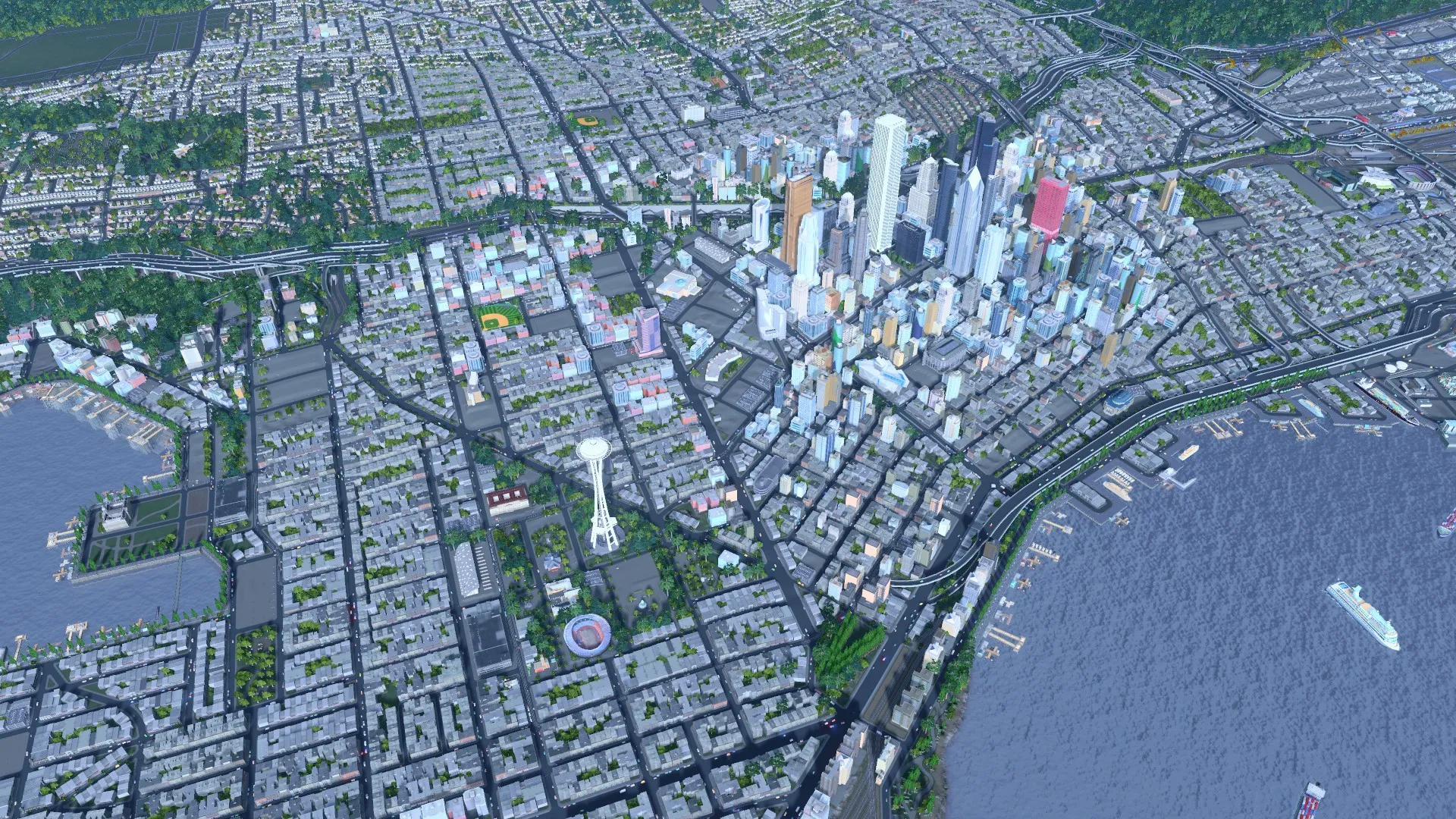
Cities Skylines Mod – Building Beyond the Basics
Cities: Skylines, the beloved city-building simulator from Colossal Order, offers a captivating experience for aspiring mayors. But what if you crave more variety, more control, or simply a way to push the boundaries of your city-building creativity? Here’s where Cities: Skylines mods come in!
This article delves into the exciting world of Cities: Skylines mods, exploring their potential to transform your gameplay experience. We’ll cover popular mod categories, their functionalities, and how to install them safely to elevate your city-building journey.
Why Mod Your City? Unveiling the Benefits
Cities: Skylines mods offer a plethora of advantages for players of all experience levels:
- Enhanced Gameplay: Mods can add new mechanics, features, and challenges, keeping your gameplay fresh and exciting.
- Increased Realism: Traffic management mods, realistic disasters, and demanding economic simulations can create a more immersive and challenging city-building experience.
- Aesthetic Appeal: Graphics mods can enhance the visual beauty of your city, adding new textures, building styles, and visual effects.
- Unleashing Creativity: Building mods introduce new structures, parks, and transportation options, allowing you to design unique and personalized cityscapes.
- Community Connection: The modding community for Cities: Skylines is vibrant and active, offering a vast array of mods to suit your playstyle and preferences.
A Plethora of Possibilities: Exploring Popular Mod Categories
The world of Cities: Skylines mods is vast and ever-expanding.
- Traffic & Transportation: These mods address traffic flow challenges, adding new road types, realistic traffic lights, improved public transport options, and innovative ways to manage your city’s transportation network.
- Visual Enhancements: Graphics mods allow you to customize the look and feel of your city. Think realistic textures for buildings and roads, dynamic weather effects, improved lighting, and customizable props for detailed cityscapes.
- Realism & Challenge: These mods aim to create a more realistic and challenging city-building experience. They might introduce economic fluctuations, realistic disasters like earthquakes or floods, and demanding citizen needs that require careful city planning.
- Building & Prop Variety: Looking to expand your creative horizons? This category offers a smorgasbord of new buildings, parks, unique props, and customizable assets to bring your dream city to life.
- UI & Gameplay Tweaks: These mods focus on improving the user interface or making subtle changes to gameplay mechanics. Examples include better information overlays, increased building limits, and tools to make managing your city more efficient.

Finding the Perfect Mods: Must-Know Resources for Mod Discovery
With countless mods available, finding the ones that suit your playstyle can be overwhelming. Here are some helpful resources:
- Steam Workshop: The official Steam Workshop for Cities: Skylines is the primary hub for browsing and downloading mods. You can filter by category, popularity, and user reviews to find the best options.
- Online Modding Communities: Websites and forums dedicated to Cities: Skylines modding offer discussions, reviews, and curated mod lists to help you discover hidden gems.
- YouTube Tutorials: Many YouTubers showcase popular mods, demonstrate their functionalities, and offer installation guides for beginners.
Modding Made Easy: Safe and Simple Installation
Adding mods to your Cities: Skylines experience is relatively straightforward. Here’s a basic guide:
- Subscribe to Mods: Find the mods you want on the Steam Workshop and click “Subscribe”. This will download the mod files automatically.
- Activate Mods: Launch Cities: Skylines and navigate to the “Content Manager” section. Here, you can activate the downloaded mods and create custom mod profiles for different playstyles.
- Compatibility Check: It’s crucial to ensure compatibility between mods. Read mod descriptions carefully and check for compatibility information.
- Start Building! Once you’ve activated your chosen mods and ensured compatibility, launch a new game and enjoy the expanded possibilities!
Remember: It’s always recommended to back up your game saves before installing mods, especially if you’re using multiple mods simultaneously.

FAQ’s
Q: What are mods and why use them?
A: Mods are user-created additions that alter or expand the base game. They can introduce new buildings, improve visuals, enhance gameplay mechanics, and much more. Here’s why you might want to use them:
- Boost Creativity: Mods open doors to unique buildings, transportation options, and gameplay features, letting you personalize your city in ways the base game doesn’t allow.
- Fix Frustrations: Some mods address common annoyances, like traffic management or resource limitations, making city building smoother and more enjoyable.
- Enhance Visuals: Graphics mods can add realistic textures, lighting effects, and weather patterns, creating a more immersive cityscape.
Q: Are mods safe for my game?
A: Generally, yes. Mods are downloaded from the Steam Workshop, a curated platform with community reviews. However, it’s always wise to:
- Read reviews: Check user feedback to gauge a mod’s stability and compatibility with other mods you might use.
- Download from trusted sources: Stick to the Steam Workshop for reliable and vetted mods.
- Start with a few: Don’t overwhelm your game with too many mods at once. Add them gradually to identify any compatibility issues.
Q: I’m new to modding. Where do I start?
A: No worries! Here’s a beginner-friendly roadmap:
- Subscription Time: Launch Cities: Skylines on Steam and access the Steam Workshop. Here, you can browse and subscribe to mods that pique your interest.
- Enable Mods: In the game’s main menu, go to “Content Manager” and activate the mods you want to use.
- Explore and Experiment: Start with basic mods that enhance visuals or add quality-of-life features. Once comfortable, venture into gameplay-changing mods.
Q: On YouTube, I saw people using crazy mods with custom buildings. How do I find those?
A: The Steam Workshop is a treasure trove of custom buildings and assets. Many popular modders create entire collections focusing on specific themes (medieval, futuristic, etc.). Search for keywords like “custom buildings” or browse popular collections to find what suits your city’s vision.

Q: Are there any mods I MUST have?
A: There’s no “must-have” list, but some highly-rated mods offer significant improvements:
- Move It!: This powerful tool allows for more precise building placement and manipulation.
- Traffic Manager: Improved Traffic AI: Fine-tune traffic flow with advanced traffic light control and lane management.
- Beautiful Cities 2: Enhance the visual appeal of your city with improved textures, lighting, and weather effects.
To read more, Click Here