
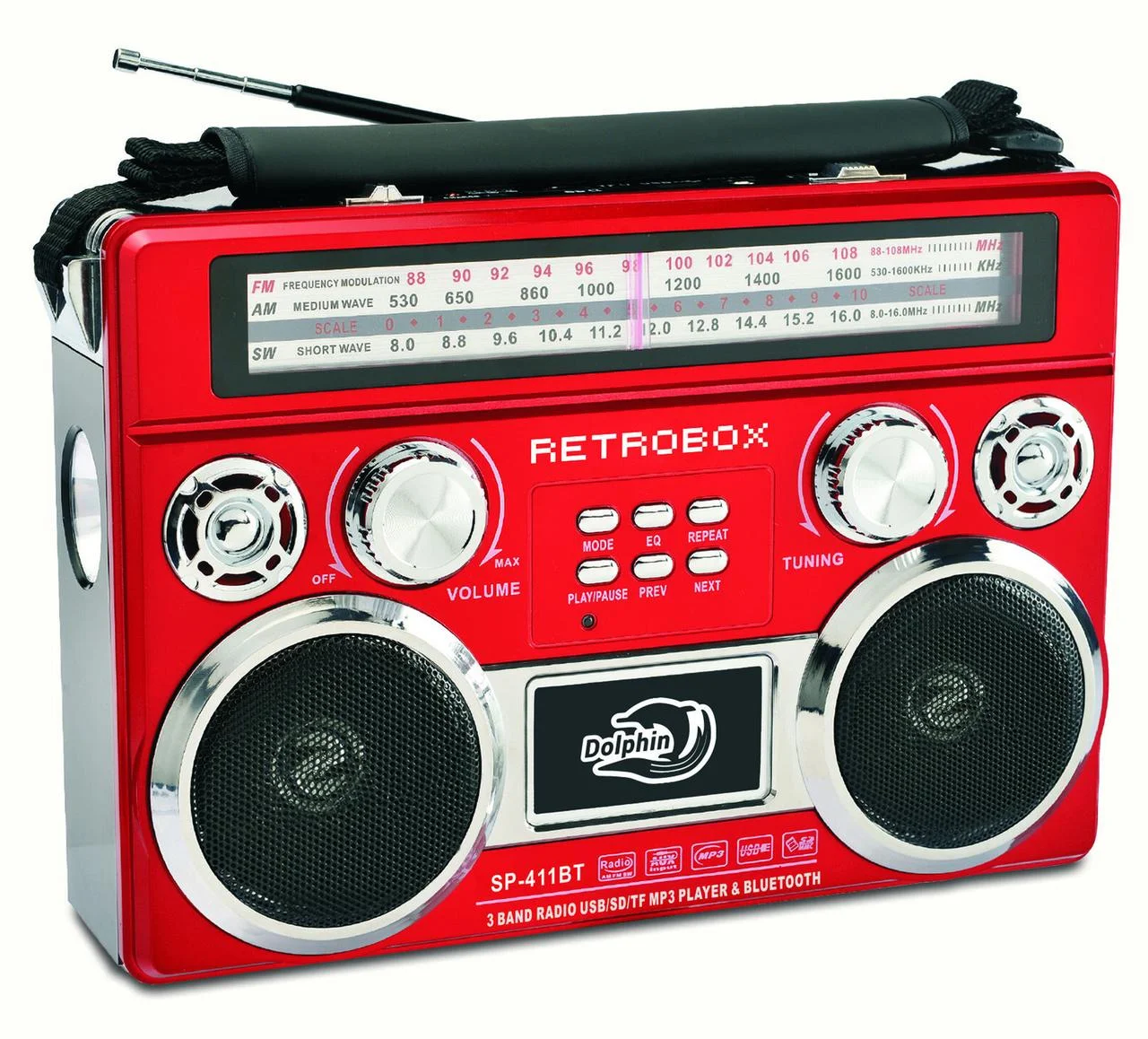
Bluetooth radio technology has become a cornerstone of modern connectivity, enabling wireless communication between devices over short distances. From streaming music to connecting peripherals, Bluetooth technology has revolutionized how we interact with our gadgets. In this article, we’ll explore the fundamentals of Bluetooth radio, its applications, and its impact on our daily lives.
How Does Bluetooth Radio Work
Bluetooth radio technology relies on a combination of hardware and software to facilitate wireless communication. Here’s a simplified overview of how it works:
Pairing: To establish a connection between two Bluetooth devices, they must first undergo a process called pairing. During this process, devices exchange information and establish a secure link. Pairing typically involves entering a PIN or passkey to ensure that the connection is secure and private.
Frequency Hopping: Bluetooth uses a technique called frequency hopping spread spectrum (FHSS) to minimize interference from other wireless devices. It rapidly changes frequencies within the 2.4 GHz band, which helps avoid congestion and improves communication reliability.
Profiles: Bluetooth devices use specific profiles to define the type of data they can exchange and how they will interact. For example, the A2DP (Advanced Audio Distribution Profile) is used for streaming high-quality audio, while the HID (Human Interface Device) profile is used for connecting keyboards and mice.
Communication: Once paired, Bluetooth devices communicate using short-range radio waves. Data is transmitted in packets and can include various types of information, such as audio, text, or control commands.
Types of Bluetooth Radio Devices
Bluetooth technology supports a wide range of devices and applications. Some common types include:
Headphones and Earbuds
Bluetooth headphones and earbuds allow users to listen to music or take calls wirelessly. They are popular for their convenience and mobility, eliminating the need for tangled wires.
Speakers
Bluetooth speakers enable users to stream audio from their smartphones, tablets, or computers without the need for physical connections. They come in various sizes and configurations, from portable mini speakers to high-powered home audio systems.
Keyboards and Mice
Bluetooth keyboards and mice provide a wireless alternative to traditional wired input devices. They are often used with laptops, tablets, and smart TVs to offer a more comfortable and flexible typing and navigation experience.
Smartphones and Tablets
Modern smartphones and tablets come equipped with Bluetooth technology, allowing users to connect to a variety of peripherals and accessories, such as wireless keyboards, printers, and fitness trackers.
Fitness Trackers
Bluetooth-enabled fitness trackers can monitor and transmit data related to physical activity, heart rate, and sleep patterns. They sync with mobile apps to provide users with insights into their health and fitness.
Smart Home Devices
Bluetooth is also used in smart home devices, such as smart locks, lighting systems, and thermostats. These devices can be controlled wirelessly from smartphones or voice-activated assistants, enhancing convenience and automation.
Advantages of Bluetooth Radio
Bluetooth radio technology offers several benefits, making it a popular choice for wireless communication:
Wireless Convenience
Bluetooth eliminates the need for physical cables, providing users with greater freedom and mobility. This convenience is especially valuable in devices such as headphones and speakers, where a wired connection can be cumbersome.
Low Power Consumption
Bluetooth technology is designed to be energy-efficient, allowing devices to operate on low power. This feature is particularly important for battery-powered devices, as it helps extend battery life.
Ease of Use
Bluetooth devices are typically easy to set up and use. The pairing process is straightforward, and many devices automatically reconnect to previously paired devices, reducing the need for manual configuration.
Interoperability
Bluetooth technology is standardized, which means that devices from different manufacturers can communicate with each other. This interoperability enhances compatibility and ensures a wide range of devices can work together seamlessly.
Secure Communication
Bluetooth incorporates various security measures to protect data during transmission. Features such as encryption and authentication help safeguard against unauthorized access and ensure secure communication between devices.
Challenges and Limitations
While Bluetooth technology offers numerous benefits, it also faces some challenges and limitations:
Range Limitations
Bluetooth has a limited range compared to other wireless technologies, such as Wi-Fi. The typical range is up to 100 meters, but obstacles and interference can reduce this distance. For applications requiring longer-range connectivity, alternative technologies may be more suitable.
Interference
Bluetooth operates in the crowded 2.4 GHz frequency band, which is also used by other wireless technologies, such as Wi-Fi and microwave ovens. This can lead to potential interference and reduced performance in environments with many competing signals.
Data Transfer Speed
While Bluetooth is suitable for many applications, its data transfer speed is lower compared to other technologies like Wi-Fi or USB. This can be a limitation for applications that require high-speed data transfer, such as large file transfers or high-definition video streaming.
FAQs
What is Bluetooth Radio?
Bluetooth radio is a wireless communication technology that allows devices to connect and exchange data over short distances using radio waves. Operating in the 2.4 GHz frequency band, Bluetooth enables devices to communicate without the need for physical cables, facilitating convenient and flexible interactions between a wide range of devices.
How Do I Pair Bluetooth Devices?
Pairing Bluetooth devices involves a few simple steps:
Enable Bluetooth: Turn on Bluetooth on both devices you wish to connect.
Search for Devices: On one device, initiate a search for nearby Bluetooth devices.
Select the Device: Choose the device you want to pair with from the list of available devices.
Confirm Pairing: Follow any prompts to confirm the pairing process, which may include entering a PIN or passkey.
How Do I Maintain a Bluetooth Connection?
To ensure a stable Bluetooth connection:
Stay Within Range: Keep devices within the recommended range, typically up to 100 meters (328 feet), but closer distances are often better for reliable connections.
Avoid Interference: Minimize interference from other wireless devices operating in the 2.4 GHz band, such as Wi-Fi routers or microwave ovens.
Keep Devices Updated: Ensure that both devices have the latest firmware or software updates, as updates can improve connectivity and performance.
Are Bluetooth Connections Secure?
Bluetooth technology incorporates various security measures to protect data during transmission:
Encryption: Bluetooth uses encryption to secure data and prevent unauthorized access.
Authentication: Devices often use authentication methods, such as PINs or passkeys, to verify the identity of the devices connecting.
Bluetooth radio technology offers a convenient and versatile way to connect and communicate wirelessly. Understanding how it works, its common uses, and how to maintain a secure and stable connection can enhance your experience with Bluetooth-enabled devices. Whether you’re using Bluetooth for audio streaming, smart home control, or connecting peripherals, this technology continues to play a vital role in making our digital lives more connected and accessible.
To read more, click here