
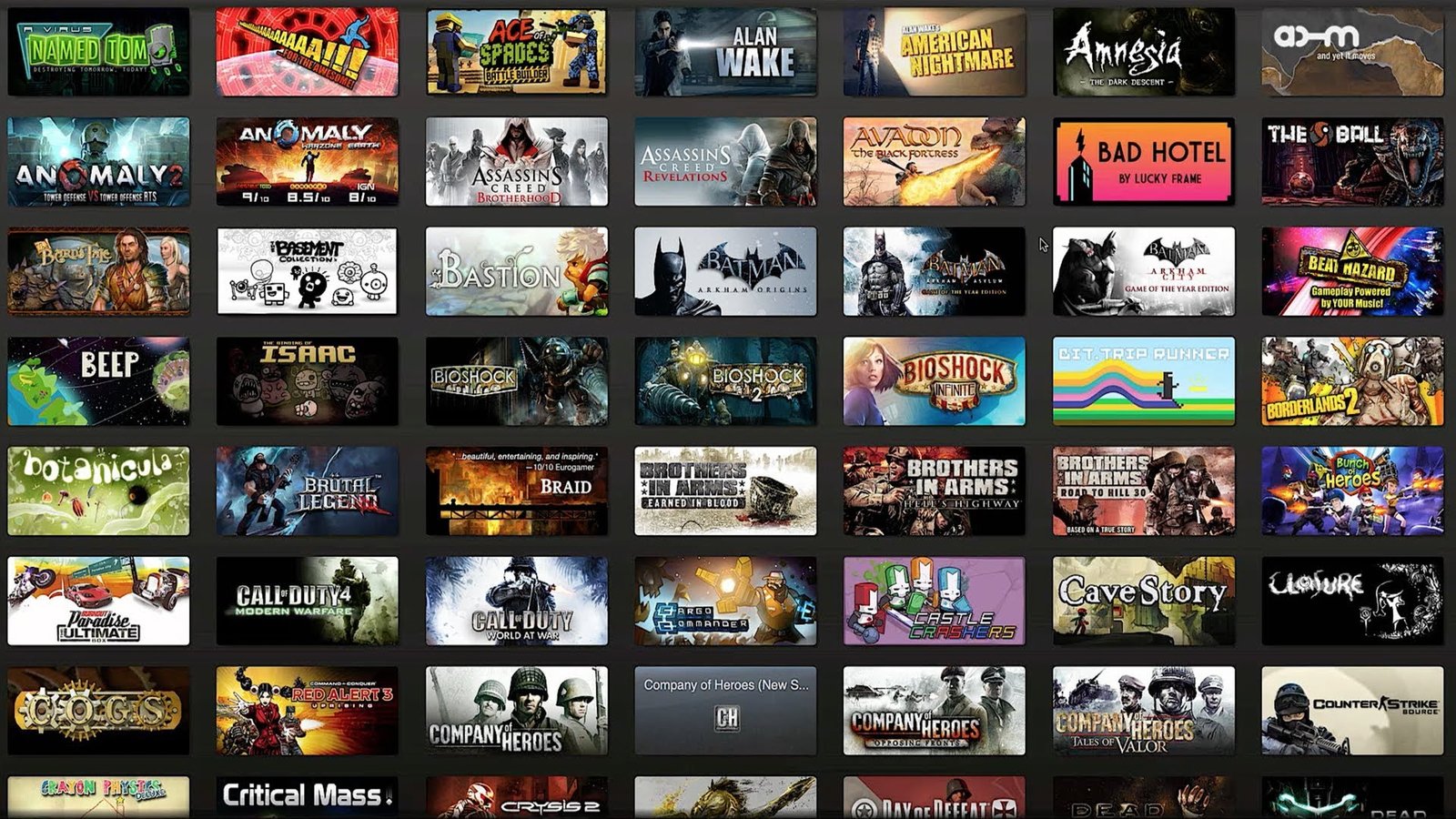
Steam Reviews are a cornerstone of the Steam gaming experience. They provide a platform for players to share their thoughts and opinions on games, helping others decide whether to purchase them. But with millions of reviews out there, navigating their usefulness and legitimacy can be tricky. This comprehensive guide will equip you with everything you need to know about Steam Reviews.
What are Steam Reviews?

Steam Reviews are user-written evaluations of games available on the Steam platform. Players can rate a game as “Recommended,” “Not Recommended,” or withhold a recommendation altogether. Additionally, they can write a detailed review explaining their experience with the game’s strengths, weaknesses, and overall value.
Why are Steam Reviews Important?
Steam Reviews serve several crucial purposes:
Informed Purchases: For potential buyers, reviews offer valuable insights into a game’s quality, gameplay mechanics, and overall enjoyment factor. Reading reviews helps you avoid duds and make informed decisions about where to spend your hard-earned money.
Improved Games: Developers often pay close attention to Steam Reviews. Well-written reviews can highlight bugs, balance issues, or missing features, allowing developers to address these problems and improve their games.
Community Building: Reviews foster a sense of community. Players can share their enthusiasm for a game, discuss strategies, and connect with others who enjoy similar experiences.
How to Read Steam Reviews Effectively
With so many reviews at your disposal, it’s important to develop a critical eye for separating helpful information from biased opinions. Here are some tips for reading Steam Reviews effectively:
Consider the Review Length: Short, one-sentence reviews often lack substance. Look for detailed reviews that delve into the game’s mechanics, story, and technical aspects.
Analyze the Review Time: Reviews written shortly after a game’s launch might be fueled by launch hype or initial frustration. Reviews written after some time offer a more balanced perspective.
Look for Common Themes: See if specific issues or praises consistently appear across multiple reviews. This can help identify genuine concerns or strong points.
Check the Reviewer’s Playtime: Reviews from players with significant playtime generally hold more weight, as they’ve had a chance to experience the game’s full scope.
Pay Attention to the Recommendation: Ultimately, the reviewer’s recommendation (“Recommended” or “Not Recommended”) is the most crucial takeaway.
How to Write a Helpful Steam Review
Want to contribute to the Steam Review ecosystem? Here’s how to ensure your review provides value to others:
Be Clear and Concise: Explain your thoughts on the game in a well-structured and easy-to-read format.
Highlight Strengths and Weaknesses: Discuss what you enjoyed about the game and what aspects fell short of expectations.
Offer Specific Examples: Back up your claims with concrete examples from the game. This helps readers understand your perspective.
Avoid Spoilers: If you’re discussing story elements, mark your review with a spoiler warning.
Be Objective: While it’s okay to express your opinion, avoid personal attacks or negativity towards the developer. Focus on constructive criticism.
Common Questions About Steam Reviews

Here are some of the most frequently asked questions regarding Steam Reviews:
Can Anyone Write a Steam Review? Technically, anyone with a Steam account can write a review, regardless of whether they’ve purchased the game. However, Steam encourages reviews from players who have actually played the game for a reasonable amount of time.
How Do I Find Reviews for a Specific Game? On a game’s Steam Store page, scroll down to the “Community Hub” section. Under “Reviews,” you’ll find all user reviews for that game.
Can I Filter Steam Reviews? Yes, you can filter reviews by various criteria such as playtime, recent reviews, language, and helpfulness rating from other users.
How Do “Helpful” Ratings Work? Users can mark reviews as “Helpful” if they find them informative and insightful. This helps other users prioritize the most valuable reviews.
What About Fake Reviews? Unfortunately, a small number of fake reviews exist on Steam. These are typically short, generic, and often written in broken English. By following the tips outlined above, you can usually identify and disregard them.
Beyond the Review: Additional Resources
Steam Reviews are just one piece of the puzzle when it comes to evaluating a game. Here are some additional resources to consider:
Steam Discussions: Each game on Steam has a dedicated discussion forum where players can ask questions, share tips, and discuss the game.
Curators: Steam Curators are individuals who create curated lists of games based on specific genres or interests.
FAQs
What are Steam reviews?
Steam reviews are a user-generated rating and feedback system for games and software available on the Steam platform. Players can write reviews to share their experiences, highlight strengths and weaknesses, and help others decide whether a product is right for them.
Who can write a Steam review?
Anyone with a Steam account can write a review for a game or software they have in their library, regardless of whether they purchased it directly on Steam or activated a key from another source. However, the review will display the playtime associated with the account.
What should a good Steam review include?
A good Steam review should be informative, objective, and well-written. Here are some key elements:
Overall impression: Briefly state whether you recommend the game or software.
Strengths: Highlight the aspects you enjoyed, such as gameplay mechanics, story, visuals, or performance.
Weaknesses: Discuss any issues you encountered, like bugs, glitches, or lack of content.
Target audience: Mention if the game caters to a specific genre preference or skill level.
Value for money: Discuss if the price reflects the content and experience offered.
Clarity and conciseness: Keep your review focused and easy to read.
How do I write a Steam review?
Go to the library in your Steam client.
Find the game or software you want to review.
Right-click on the title and select “Properties.”
Click on the “Reviews” tab.
Write your review in the text box.
You can recommend the title with a thumbs up or thumbs down icon.
Click “Publish Review” to submit.
How can I find helpful Steam reviews?
Steam reviews are filtered by helpfulness. Reviews with more helpful ratings are displayed more prominently. You can also filter reviews by playtime, language, and purchase type (all purchases, those purchased on Steam, or activated via key).
Are Steam reviews always reliable?
While Steam reviews are a valuable resource, it’s important to be critical. Some reviews might be biased due to negative experiences or review bombing campaigns. It’s recommended to read a variety of reviews and consider the playtime of the reviewer to gauge their experience.
What are some things to consider when reading Steam reviews?
Review length: Very short reviews might lack detail.
Review time: Recent reviews might reflect current game state or updates.
Reviewer playtime: Reviews with significant playtime hold more weight.
Reviewer sentiment: Look for balanced reviews that discuss both pros and cons.
Can I edit or delete my Steam review?
Yes, you can edit or delete your Steam review at any time by following the same steps as writing a review, but selecting “Edit Review” or “Delete Review” instead.
To Read More; click here