
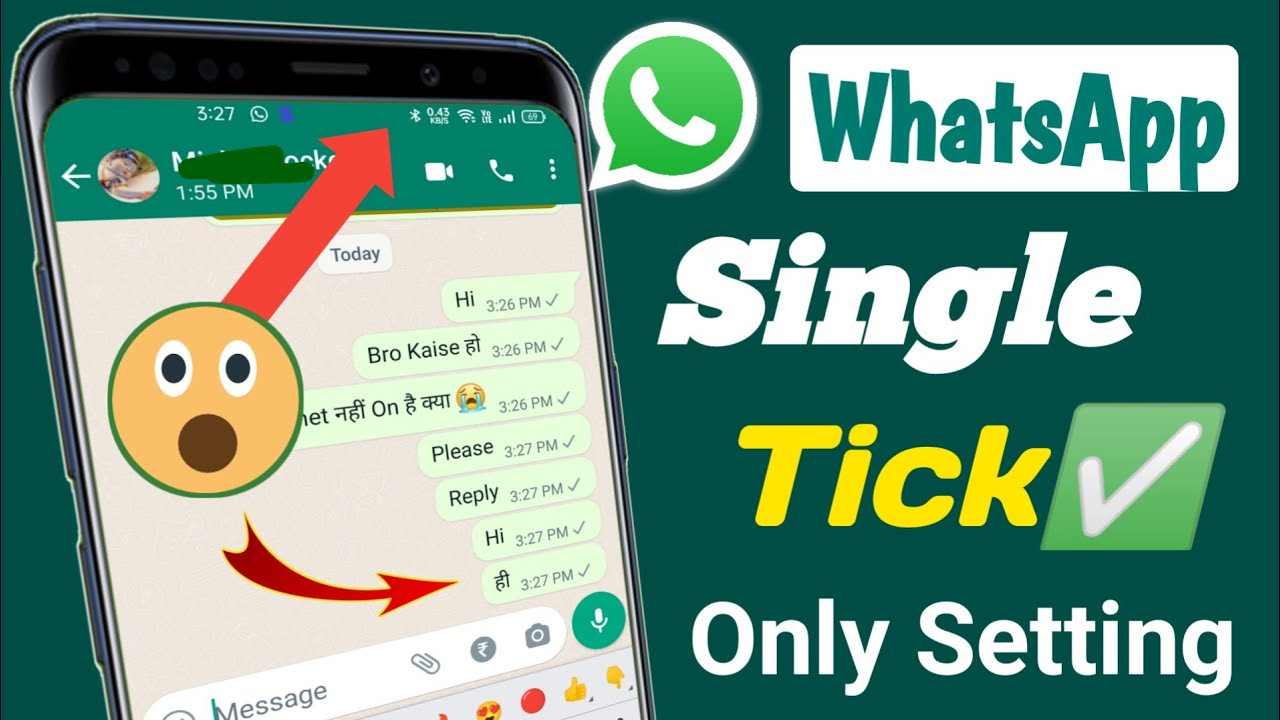
One tick on whatsapp- WhatsApp, the ubiquitous messaging app, employs a simple yet effective system of ticks to convey the status of your messages. While most users are familiar with the basics, there are nuances and potential issues that can cause confusion. Let’s delve into the world of WhatsApp ticks, exploring what they signify and troubleshooting common problems.
The Tick System Explained
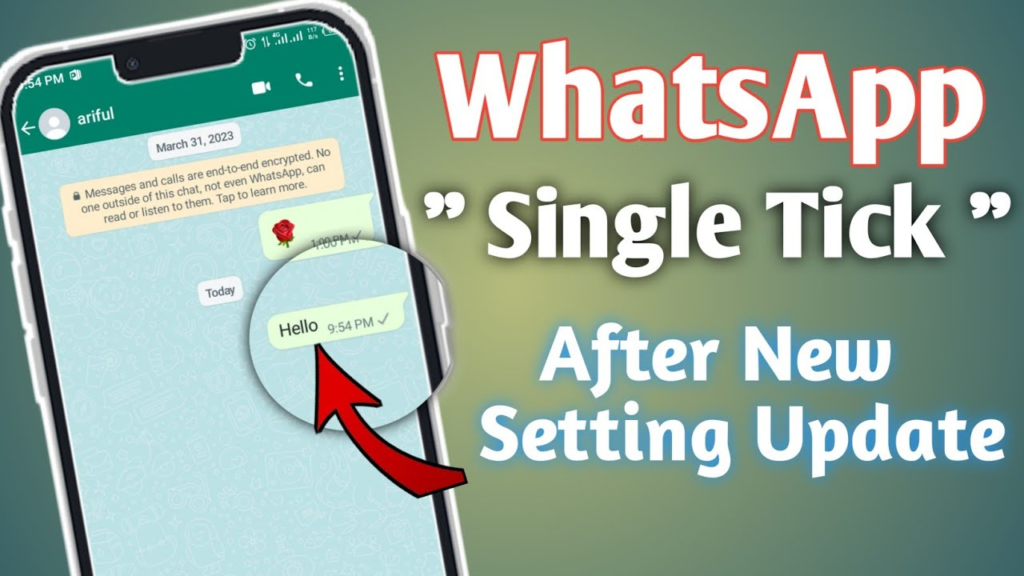
At its core, WhatsApp utilizes three distinct tick states to inform users about the progress of their messages:
One Grey Tick: This indicates that your message has been successfully sent from your device to WhatsApp’s servers. However, it hasn’t reached the recipient’s phone yet. Several factors can contribute to this state, including the recipient’s phone being offline, having a poor internet connection, or facing app-related issues.
Two Grey Ticks: When you see two grey ticks, it means your message has journeyed from your device to WhatsApp’s servers and has been successfully delivered to the recipient’s phone. However, the recipient hasn’t read it yet. This could be due to various reasons, such as them being busy, having unread messages, or simply choosing not to open the chat.
Two Blue Ticks: The coveted blue ticks signify that your message has been read by the recipient. This is generally interpreted as confirmation that the message has been seen and acknowledged.
Beyond the Basics: Factors Affecting Tick Status
While the tick system provides a clear overview of message delivery, several factors can influence the appearance and behavior of these ticks:
Internet Connectivity: A stable internet connection is essential for seamless message delivery. If you or the recipient has a weak or intermittent connection, it can delay the appearance of ticks or prevent them from changing altogether.
WhatsApp Status: Ensure that both you and the recipient are using the latest version of WhatsApp. Outdated apps may experience issues with message delivery and tick updates.
Phone Settings: Certain phone settings, such as background data restrictions or battery optimization, can interfere with WhatsApp’s ability to send and receive messages promptly.
Read Receipts: WhatsApp allows users to control who can see their read receipts. If the recipient has disabled this feature, you will always see two grey ticks, even if they have read your message.
Group Chats: In group chats, the tick status reflects the overall status of the message within the group. All participants must have received and read the message for blue ticks to appear.
Troubleshooting Common Issues
If you’re encountering persistent issues with WhatsApp ticks, here are some troubleshooting steps:
Check Internet Connectivity: Ensure both you and the recipient have a stable internet connection.
Update WhatsApp: Make sure you and the recipient are using the latest version of the app.
Review Phone Settings: Check your phone’s settings for any restrictions that might affect WhatsApp’s performance.
Restart Your Phone: A simple restart can often resolve temporary glitches.
Reinstall WhatsApp: If the problem persists, try reinstalling WhatsApp on both devices.
Consider Read Receipts: Remember that read receipts can be disabled, so don’t assume a message has been read just because you see two grey ticks.
Psychological Impact of WhatsApp Ticks
Beyond the technical aspects, WhatsApp ticks can have a significant psychological impact on users. The anticipation of blue ticks, the frustration of seeing only one or two grey ticks, and the anxiety associated with unread messages are common experiences. It’s important to maintain perspective and avoid overanalyzing the tick status.
The Future of WhatsApp Ticks
As WhatsApp continues to evolve, it’s possible that the tick system may undergo changes or enhancements. New features could provide additional insights into message delivery and reading behavior. However, the core functionality of the tick system is likely to remain essential for user experience.
In conclusion, understanding the nuances of WhatsApp ticks can help you navigate the messaging app more effectively. By recognizing the factors that influence tick status and following troubleshooting steps, you can minimize frustration and enhance your communication experience.
Remember, the simple act of sending a message is often more important than obsessing over the ticks.
FAQs
What Does One Tick Mean on WhatsApp?
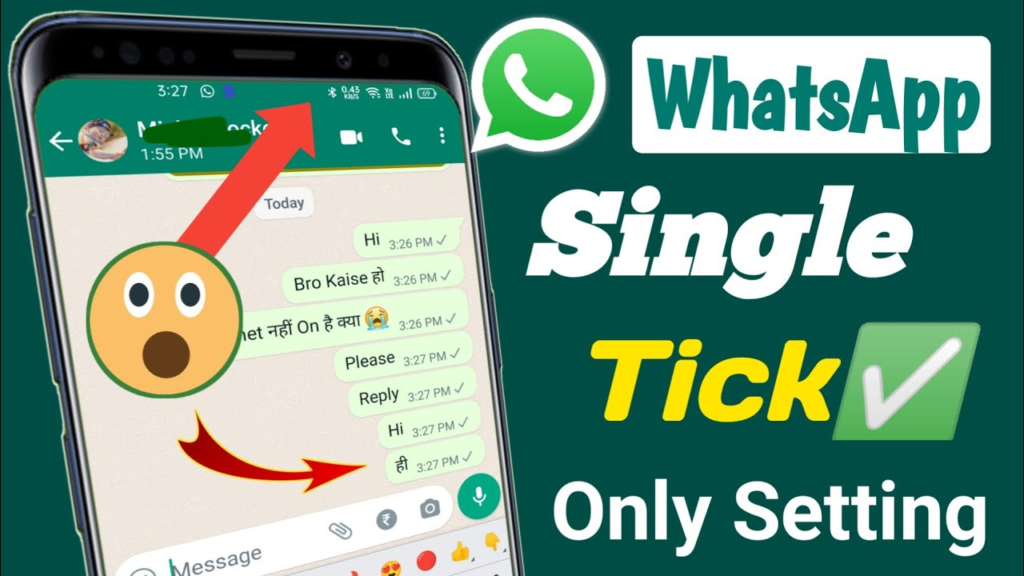
A single grey tick signifies that your message has been successfully sent from your device to WhatsApp’s servers. However, it hasn’t reached the recipient’s phone yet.
Why Does My Message Have Only One Tick?
Several factors can contribute to a message remaining at the single grey tick stage:
Recipient’s Internet Connection: If the recipient has a weak or no internet connection, the message will stay at one tick until they regain connectivity.
Recipient’s Phone is Off: If the recipient’s phone is turned off or in airplane mode, the message will wait until the phone is back online.
Recipient’s WhatsApp is Closed: If the recipient has closed WhatsApp, the message will be delivered once they reopen the app.
Recipient Has Blocked You: In the unfortunate case that you’ve been blocked, your messages will always show as one tick.
Troubleshooting One Tick Issues
If you’re experiencing persistent one-tick messages, here are some steps you can take:
Check Your Internet Connection: Ensure you have a stable internet connection to send the message successfully.
Wait for the Recipient: Give the recipient some time to come online or check their phone.
Resend the Message: If the issue persists, try sending the message again.
Check for Blocking: If you suspect you’ve been blocked, there’s unfortunately not much you can do.
Other Tick Variations on WhatsApp
To fully understand the tick system, let’s explore other tick variations:
Two Grey Ticks: This indicates that the message has been delivered to the recipient’s phone but hasn’t been read yet.
Two Blue Ticks: This confirms that the recipient has read your message.
Single Blue Tick: This appears when you’re using WhatsApp Web or a desktop app and the message has been sent from your phone to WhatsApp’s servers.
WhatsApp Read Receipts and Privacy
WhatsApp offers options to control your read receipts:
Everyone: Anyone can see when you’ve read their messages.
My Contacts: Only your contacts can see your read receipts.
Nobody: No one can see when you’ve read their messages.
To adjust these settings, go to WhatsApp Settings > Account > Privacy > Read Receipts.
Additional Tips
WhatsApp Status: Checking a person’s WhatsApp status can give you a clue about their online activity.
Last Seen: The “Last Seen” feature can provide some indication of when the recipient was last online.
Message Delivery Time: The timestamp on your message can help you estimate when the recipient might be available.
Remember: While the tick system provides helpful information, it’s essential to respect people’s privacy and avoid overanalyzing message statuses.
By understanding these nuances, you can effectively use WhatsApp to communicate with your contacts.
To Read More; click here