
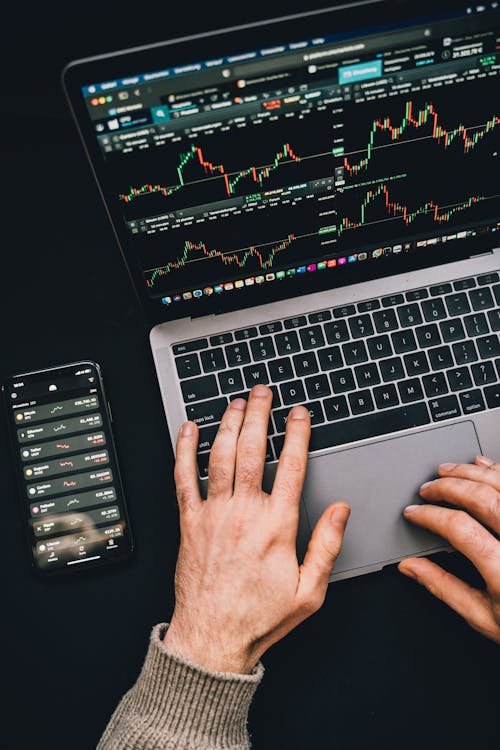
Autofollowing is a powerful feature on the Cryptorobotics platform that automates your trading. Once set up, it lets you collect profits from trades without the need for manual intervention. This service combines trading signals provided by analysts with automated trading robots that execute the trades for you. The process is simple, efficient, and designed for both beginners and experienced traders alike.
How to Get Started with Autofollowing
To begin using Autofollowing, navigate to the Algotrading section of the platform and select Autofollowing from the left menu. This will open a window displaying various channels. Each channel provides essential statistics such as:
- Cumulative return
- Number of signals/trades for the entire period
- Exchanges for which signals are received
- Number of subscribers
- Subscription price per month/Profit Sharing percentage
Detailed Channel Statistics
If you’re interested in learning more about a specific channel’s performance, you can click on the View Statistics button. This will take you to the channel page, where you’ll find detailed data on:
- Average profit per signal/trade: This is calculated based on the maximum achieved profits of completed signals over the past year.
- Win/Loss percentage chart: A graphical representation of the channel’s success rate.
- Strategy performance: Channels offer strategies like conservative, moderate, and risky, with individual success percentages for each.
- Profit charts: These show the cumulative growth of profits over time, helping you visualize your potential returns.
- Signal frequency: A chart displaying how often signals are received in the channel.
Additionally, you can examine the statistics for each signal, which include:
- The creation date of the signal
- Profit details for each strategy
- Trade dates and times for each strategy
- Exchanges used for the trade
- A detailed chart with the buy range, stop loss, and targets
Subscribing to Autofollowing
To connect Autofollowing to your account, follow these steps:
- Choose the channel that interests you.
- Click the Subscribe/Connect button.
- Pay for the subscription or opt for Profit Sharing.
Once you’re subscribed or connected, you can access the channel settings. For Profit Sharing channels, the settings window opens automatically after clicking Connect. For fixed subscription channels, you’ll need to click Settings to proceed.
Autofollowing Settings
When configuring Autofollowing, you’ll need to choose from several options:
- Exchange API Key: Select the exchange where you want to run Autofollowing.
- Exit Strategy: Choose between:
- Fixed Target Exit: Exit on one of the 3 targets.
- Ladder Exit (Partial Sale): Allocate portions of the trade to different targets. The sum of all targets must equal 100%.
- Ladder Trailing: Adjusts the Stop Loss (SL) as each target is reached. The options are:
- With Partial Sell: The trade is split into portions, gradually closing at each target.
- Trailing to the Last Target: Only the last target is monitored, and the full position is closed when it’s reached.
- Coin Selection: Choose the main coin(s) you’ll trade (BTC, USDT, ETH, or all three).
- Balance Allocation: Set the amount of your balance you want to allocate for trading.
- Lot Size: Decide on the size of each trade (or number of lots).
- Leverage: For futures trading, select the maximum leverage.
Once you’ve set these parameters, click Save and Start to begin trading automatically.
Track Your Progress
After your trades begin, the My Statistics section will display:
- Your active Autofollowing settings.
- Win/Loss charts and cumulative profit charts.
- Trade statistics for each executed trade.
Diversifying Your Portfolio
Autofollowing allows you to subscribe to multiple channels, letting you diversify your portfolio and earn income from different sources. Over time, you can assess the performance of each channel and select the most profitable one for continued growth.
In summary, Cryptorobotics’ Autofollowing service is an excellent tool for automating cryptocurrency trading, whether you are new to the market or an experienced trader. By subscribing to a variety of channels, customizing your settings, and tracking your performance, you can maximize your trading potential and minimize the need for manual intervention.
Read More: click here